
GNSS Simulation · Scenario Engineering
GNSS Simulation Scenario Design for Repeatable Receiver Testing
A GNSS simulation scenario defines the satellite signals, receiver motion and timed RF conditions used to answer a test question. A usable scenario also specifies DUT preparation, reference truth, logging and acceptance rules, so another engineer can reproduce the inputs and interpret the result.
This guide is for receiver, navigation and test engineers building controlled bench or HIL tests. Start with one objective, establish a baseline, then add a defined change. For the broader learning path, visit GNSS Simulation 101.
What Is a GNSS Simulation Scenario?
The RF stimulus combines scenario time, satellite geometry and navigation data, receiver motion, enabled signals, power, propagation and scheduled disturbances. DUT reset commands, external aiding, truth files and scoring rules belong to the wider test setup; they are not all encoded into the GNSS RF signal.
Keep three records distinct: what was configured, what the bench actually delivered, and how the DUT responded. A saved scenario file alone does not prove that the RF level, receiver state or event timing was correct during a run.
For background, see what GNSS simulation does. For repetitions, reporting and program-level acceptance, continue to the receiver validation test plan.
Define the Required Inputs Before Building the Scenario
| Input | Record explicitly | Why it matters |
|---|---|---|
| DUT and initialization | Model, firmware, navigation mode, reset method, retained data, assistance and filter state. | Different starting states can change acquisition and recovery. |
| Time and reference | Absolute start epoch, time scale, duration, coordinate frame, datum, height convention and units. | A time-scale or height mismatch can look like receiver error. |
| Motion | Static position, versioned trajectory file or online interface; interpolation and required state fields. | The selected interface determines which motion fields are supplied or derived. |
| Signals and satellites | Constellation, exact signal/component, satellite selection, navigation dataset and visibility rules. | “L1” or “B1” alone does not identify a complete signal configuration. |
| RF delivery | Physical ports, per-signal power, reference plane, cable/splitter losses and calibration record. | The source setting and delivered DUT-input power can differ. |
| Environment | Atmosphere, multipath, masks, faults, antenna model and relevant stochastic settings. | Defaults and random realizations can change the applied stress. |
| Event schedule | Start/stop times, affected signals and ports, step or ramp shape, restore behavior and timing tolerance. | A partial outage differs from removal of every enabled GNSS signal. |
| Truth and outputs | Truth reference point, epoch mapping, receiver logs, output cadence, validity fields and latency measurement. | Correct scoring requires comparable, time-aligned records. |
| Decision rule | Metric, observation window, threshold, dwell, timeout and treatment of failed preconditions. | Two engineers should reach the same decision from the same logs. |
Start with One Test Objective and a Controlled Comparison
Write a question that identifies the change and the observable outcome: “After a 10-second complete GNSS outage, does this firmware regain a qualified GNSS position within the declared recovery window?” This is more actionable than “test urban performance.”
Build a clean baseline first. For a paired open-loop comparison, hold the epoch, prescribed trajectory, navigation data, RF path, DUT preparation and scoring method fixed, then change the intended factor. Record every deliberate difference.
When adding a constellation or removing satellites, the available geometry and solution population can change. Report those changes; do not claim that DOP remained constant merely because the route was unchanged. In closed-loop tests, DUT response may change the subsequent path, so preserve external conditions and record the actual trajectory.
Design the Trajectory, Dynamics and HIL Timing
Choose static, file-driven or real-time motion
Use a static point for initial acquisition and isolated RF-event checks. Use a prescribed trajectory for repeatable turns, climbs, acceleration and regression. Use a real-time motion interface when an external model supplies the state during execution.
Supply the fields required by the chosen interface. Some models derive velocity or acceleration from waypoints; others accept timestamped state vectors. Attitude, angular rates and antenna lever arms matter when the antenna model, multiple antennas or integrated navigation requires them. They are not mandatory inputs for every static receiver test.
Check frame, units, monotonic timestamps and interpolation. Plot speed, acceleration and jerk as well as the map trace, and confirm that supplied derivatives describe the same motion. Trajectory-generator documentation illustrates how interpolation and constraints affect the resulting path and dynamics.[1]
Separate timestamps, transport and RF applicability
A real-time stream is not automatically a closed loop. The loop closes when DUT or controller response influences subsequent simulated motion or environment.
For HIL, distinguish the epoch when a motion state is valid, packet arrival, processing deadlines and the epoch of the corresponding RF output. Specify the common time reference, update cadence, interpolation or extrapolation limits, and missing, late or out-of-order packet policy. Safran’s Skydel documentation provides one implementation example; its policies and timing values are not specifications for other simulators.[2]
Specify Exact Signals, Delivered RF Power and Visibility
Name signals such as GPS L1 C/A, GPS L5 I/Q or Galileo E1 B/C, including the components required by the test. Confirm that the DUT, simulator configuration and licenses support the same set. Use the signals, bands and codes guide and constellation comparison when preparing the brief.
Specify power at a named reference plane, preferably the DUT RF input, and state whether a value applies per satellite signal or to a composite. Account for cables, splitters, attenuators and active components. A receiver’s reported C/N₀ is a diagnostic observation, not a universally exact substitute for a calibrated RF power setting.
Useful profiles include steady nominal power, gradual attenuation, short dips and per-satellite changes. For visibility events, identify the satellites, azimuth/elevation mask, antenna/body mask or obstruction model involved. A low elevation mask alone does not create a complete urban multipath environment.
Add Error and Environment Models in Controlled Stages
After validating the nominal baseline, introduce an isolated stressor, then a combined operational case. Keep the model name, version, parameters and event schedule with the scenario.
- Atmosphere: identify ionospheric and tropospheric models and the receiver’s corresponding correction settings.
- Orbit, clock or range faults: define the affected satellite, fault magnitude, step or ramp, onset and restoration. Keep truth, broadcast navigation data and correction streams consistent with the intended fault; coherent changes can otherwise hide it.
- Multipath: define reflected-path delay, relative power, phase evolution and whether line of sight remains. Preserve stochastic settings where used.
- Obscuration and outages: specify partial versus complete removal, affected ports, RF suppression and restoration behavior.
- Integrated navigation: declare which inertial, odometry or correction inputs continue through a GNSS outage, with their synchronization and error models.
For the underlying error mechanisms and budget assumptions, use the GNSS error sources and error-budget guide.
Worked Example: A 300-Second Test with a 10-Second GNSS Outage
This engineering example isolates recovery after a complete RF interruption. The times, power and thresholds below are illustrative design choices, not measured results, universal acceptance limits or NSG product specifications.
Common configuration for baseline A and outage B
- Reference: 300 seconds beginning at 2026-10-01 00:00:00 GPST. Use one frozen navigation dataset valid for that epoch and archive its identity.
- Motion: static WGS84 geodetic latitude 22.5431°, longitude 114.0579°, ellipsoidal height 50 m. The truth point is the simulated antenna reference point.
- Signals: GPS L1 C/A only; use the same saved satellite selection and 5° elevation-mask configuration in both runs. Verify adequate nominal geometry before execution.
- RF path: one conducted DUT input, calibrated to −130 dBm per enabled satellite signal at that input. Use a bench configuration capable of delivering and verifying this level.
- Models: retain the same documented nominal propagation settings; disable added multipath, injected faults and stochastic stressors.
- DUT: apply the same receiver-documented cold-reset procedure before each run and record the state checks. Disable external assistance, corrections, inertial and odometry inputs. This example does not score TTFF.
- Logs: request 10 Hz measurement-epoch-tagged PVT, validity/solution mode and satellites-used information, plus tracking diagnostics, simulator truth and RF event records.
Save A and B as separate scenario revisions. The intended difference is that A remains at nominal RF power, while B mutes all enabled simulated GNSS signals during 120 ≤ t < 130 seconds. Scenario time continues. Do not reset the DUT during the interruption.
| Time | Applied condition | Evidence and decision |
|---|---|---|
| 0 to <110 s | Nominal signals; allow acquisition and settling. | Record initialization, RF configuration, truth and DUT outputs. |
| 110 to <120 s | Fixed pre-outage qualification window. | Require qualifying PVT at every scheduled 10 Hz epoch from 110.0 through 119.9 s, with no inter-epoch gap above 0.15 s. |
| 120 to <130 s | Mute every enabled simulated GNSS signal reaching the DUT. | Verify the interruption and record tracking and PVT behavior. Continued PVT may be propagated rather than GNSS-derived. |
| 130 through 150 s | Restore nominal RF at the current scenario epoch, not at the pre-outage epoch. | Score qualified recovery, including its 2-second dwell, against the 20-second deadline. |
| After 150 through 300 s | Continue nominal conditions and logging. | Retain late recovery, repeated loss of validity and final status even after the deadline is missed. |
Define “qualified recovery” before running
For this example, each qualifying output must be a receiver-valid 3D GNSS solution using at least four GPS satellites, with horizontal error ≤2.5 m against epoch-aligned truth. Exclude dead-reckoned or propagated-only modes. Map these conditions to the DUT’s documented status fields.
Score in measurement time. Require output age at reception to be ≤0.2 seconds using an independently aligned logger clock. A qualifying sequence must span at least 2.0 seconds at the requested 10 Hz cadence, with no missing scheduled output and no inter-epoch gap above 0.15 seconds. Any nonqualifying output breaks the sequence. Apply these output conditions to the pre-outage window as well.
Record three separate milestones: first tracking return, first fresh receiver-valid PVT, and completion of the qualified recovery dwell. Only the last milestone decides this example’s recovery pass/fail.
Before interpreting the DUT result, verify RF suppression, restoration timing and log coverage against declared bench tolerances. If the stimulus or evidence is invalid, mark an input/setup failure rather than a receiver recovery failure.
Map Each Scenario Event to a Measurable KPI
| Test objective | Controlled input | Required output definition |
|---|---|---|
| Startup / TTFF | Declared reset state, available signals, RF level and start trigger. | First qualifying fix, accuracy/mode rule and timeout; record retained-data checks. |
| Outage recovery | Verified signal removal and restoration, affected set and outage duration. | Tracking return, fresh PVT and qualified recovery as distinct timestamps. |
| Dynamic tracking | Known motion, acceleration and turns with a validated trajectory. | Time-aligned error, loss of lock, validity and relevant solution latency. |
| Weak-signal behavior | Calibrated attenuation steps or ramps with defined holds. | Acquisition or tracking criterion, reported C/N₀ and loss/recovery events. |
| Fault response | Known fault onset, magnitude, affected satellite and removal. | Alarm, exclusion or protection behavior; detection and recovery endpoints. |
| HIL response | Timestamped motion inputs and a declared timing path. | Input-to-RF applicability, late/missing updates and downstream DUT behavior. |
Check each log’s timestamp meaning rather than using host packet arrival as the measurement epoch. NovAtel’s documentation, for example, distinguishes measurement-based synchronous logs from other timestamp conventions.[3] Reacquisition also needs a declared restoration event and valid-navigation endpoint.[4]
Use the GNSS metrics guide for metric definitions and the receiver processing guide to distinguish tracking, observations and PVT.
Save a Reproduction Package and Validate the Inputs
Retain more than the scenario filename
Archive a manifest with scenario ID/version; start epoch and time scale; frames, units and reference points; configuration and trajectory files with checksums; exact signals and navigation data; event definitions; model settings; and simulator hardware, software and license versions.
Include RF routing and calibration, DUT firmware and preparation records, external aiding settings, truth, raw receiver logs, timing records, run status and the scoring-script version. Preserve random algorithm and seed settings where available. A fixed seed reproduces a particular model realization; a declared seed set provides broader stochastic coverage. Seeded sensor-model documentation is an implementation example, not evidence that every RF simulator exposes the same controls.[5]
Separate scenario acceptance from DUT acceptance
- Validate imported data: frames, height convention, units, time scale, timestamp ordering and state consistency.
- Validate signal delivery: enabled signals, navigation-data validity, per-signal RF level, path losses and actual event transitions.
- Validate timing and evidence: truth coverage, log cadence, missing samples, timestamp mapping and HIL packet handling.
- Confirm DUT preparation: reset success, retained data, aiding/corrections and preconditions.
- Then score receiver behavior: apply the frozen KPI rules and retain setup failures, precondition failures, timeouts and successful trials with separate counts.
Repeatable scenario inputs do not guarantee bit-identical DUT outputs. Receiver oscillator state, internal noise, scheduling and preparation can still vary. Preserve the experiment controls and measure that variation through the declared trial plan.
Example GNSS Simulation Scenario Matrix
Use these families to organize coverage. Each row needs its own input manifest, event schedule and acceptance rule; the matrix itself is not an executable configuration.
| ID / scenario | Primary change | Evidence to retain |
|---|---|---|
| S01 · Static baseline | Declared startup state under nominal RF. | Initialization, qualifying fix, truth-aligned errors and nominal tracking. |
| S02 · Signal comparison | Exact signal or constellation set. | Enabled, tracked and used signals; geometry; accuracy and availability. |
| S03 · Dynamic tracking | Prescribed turns, speed and acceleration. | Validated trajectory, tracking losses, errors and output timing. |
| S04 · Outage recovery | Defined partial or complete interruption. | RF transition times and qualified recovery; use the worked timeline. |
| S05 · Urban stress | Documented obscuration and multipath cases. | LOS state, reflection parameters, validity and error excursions. |
| S06 · High dynamics | Program-defined motion envelope. | Achieved dynamics, input consistency, lock state and navigation errors. |
| S07 · HIL integration | Timestamped external motion and loop behavior. | Actual motion, packet timing, RF applicability and loop response. |
| S08 · Regression suite | DUT firmware or configuration revision. | Frozen input package, declared trial/seed set and comparable scoring. |
Match the Scenario to the Simulator Configuration
Turn the scenario brief into a configuration review. Start with the exact signals, required models, independent RF views, trajectory interfaces and evidence outputs; choose the platform after those requirements are clear.
NSG2000 · Compact Receiver Engineering
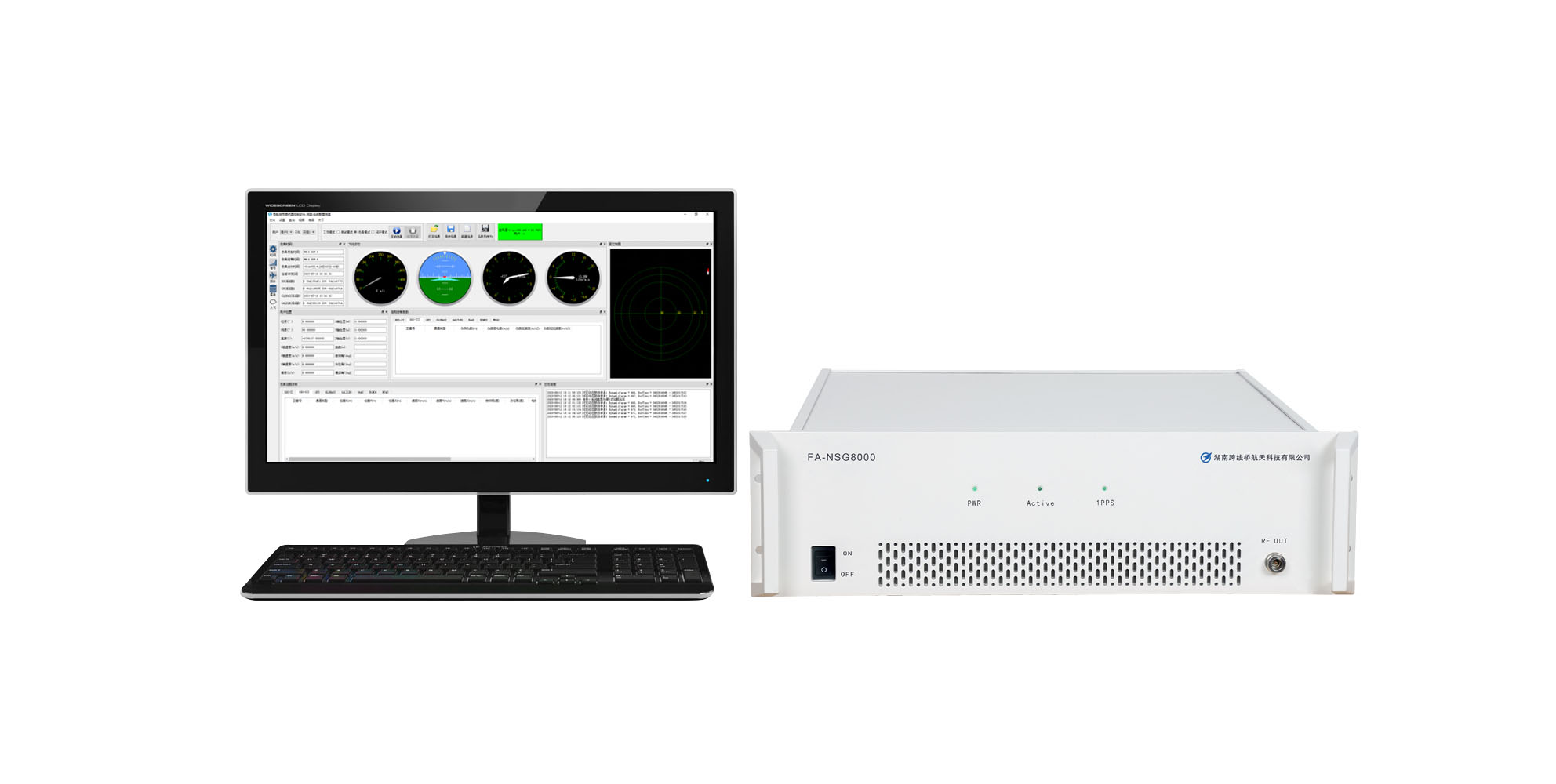
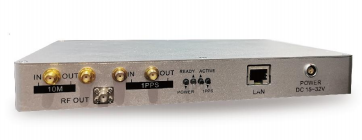
Consider NSG2000 for portable bench work, receiver debugging and focused repeatable tests. Check the required civil signals, trajectory workflow and environment models against the selected configuration.
Confirm optional closed-loop or differential functions separately, together with interface and logging requirements.
Review NSG2000 configuration details →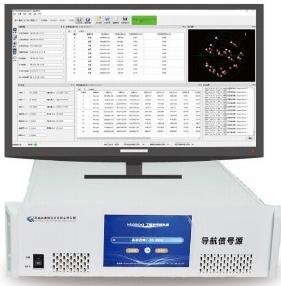
NSG8000 · Advanced Scenario and HIL Workflows
Consider NSG8000 for broader constellation/frequency requirements, advanced receiver development and HIL test architectures.
Confirm independent RF outputs, per-output motion, timing performance, optional integrated-navigation functions and the required signal configuration for the project.
Review NSG8000 configuration details →Product selection does not establish test-method compliance or certification. Confirm the current configuration, calibration, applicable procedure and evidence requirements. Compare the GNSS signal simulation products, read how to choose a GNSS simulator, or explore the receiver development and HIL solution.
If the test also needs captured field environments, compare RF record/replay, GNSS simulation and field testing. Browse industry applications to connect the scenario brief with its operating context.
GNSS Scenario Design FAQ
What is the difference between a scenario and a test plan?
A scenario defines a particular set of inputs, events and observation conditions. A test plan organizes requirements, scenario coverage, repetitions, responsibilities and reporting. Keep the scenario version linked to the test-plan case.
Does every GNSS scenario need a moving trajectory?
No. Static cases are useful for startup, RF calibration and isolated outages. Add motion when the question concerns dynamics, antenna/body effects, changing geometry or an interacting navigation/control system.
How do I simulate a complete GNSS outage?
Define every enabled GNSS signal and affected DUT port, remove those signals for a fixed interval, verify the delivered interruption, and restore them at the current scenario epoch. Declare whether external aiding continues. A receiver still outputting PVT is not proof of continued GNSS reception.
Is real-time trajectory injection the same as closed-loop HIL?
No. Injection supplies motion during a run. Closed-loop HIL additionally requires DUT or controller response to influence subsequent simulation states. Define and verify the complete response path.
Can the same scenario compare different receivers fairly?
It can provide a controlled input comparison when initialization, RF delivery, truth and scoring are managed. Document receiver-specific status mappings and retained states. For closed-loop systems, compare under the same declared external conditions and retain each resulting trajectory.
What should I send for a scenario configuration review?
Send the DUT, exact signals, trajectory or HIL input method, independent RF views, environment models and intended KPIs. Include the existing simulator configuration and timing/logging requirements if available. Detailed files can follow the initial brief.
Turn Your Test Objective into a Scenario Brief
Share your DUT, signal set, motion inputs, RF architecture and intended pass/fail rule. Request a review to identify missing inputs and discuss a suitable simulator configuration, options and evidence outputs.
Technical References
These references explain specific methods and implementation examples. Their software features, defaults and performance values do not define NSG2000 or NSG8000 capabilities.
- MathWorks: waypointTrajectory — trajectory inputs, frames, interpolation and dynamics constraints.
- Safran Skydel: Time Reference and HIL Graph — implementation-specific motion timing and diagnostics.
- NovAtel OEM7: Message Time Stamps — timestamp meaning for different log types.
- GNSS-SDR: Availability — startup state and reacquisition measurement concepts.
- MathWorks: gnssSensor — an example of explicit random-stream and seed settings in a sensor-level model.
- GPS.gov: Interface Control Documents and Interface Specifications — civil GPS signal definitions.
- Galileo Open Service: in-force reference documents — current SIS interface documents; archived SIS ICD Issue 2.1 for tests tied to that earlier version.
- ESA Navipedia: Positioning Error — geometry and positioning-error concepts.